Autonomous AI chatbots can comfortably resolve 75% to 85% of incoming customer inquiries. But the remaining 15% represent either high-ticket buyers ready to close or frustrated customers on the verge of leaving a negative review.
If your AI chatbot traps an angry customer in an endless loop of cheerful generic answers, or lets a $3,000 corporate inquiry slip away unanswered after business hours, the automation becomes a liability.
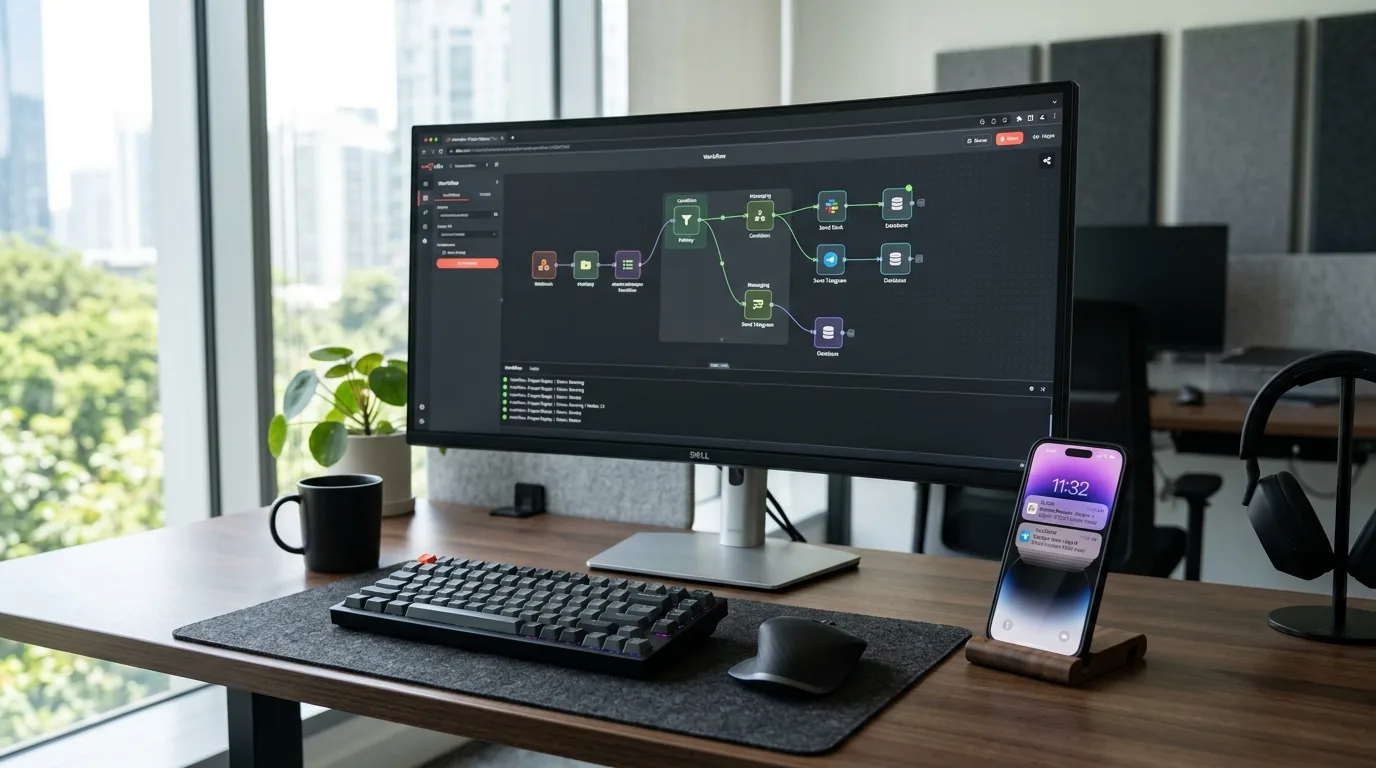
In this guide, we'll walk through building a resilient human escalation workflow using n8n that routes real-time takeover alerts to Telegram and Slack, allowing your team or your client to intervene in seconds.
The Escalation Architecture
The escalation workflow follows a four-stage pipeline:
- Visitor Message: The visitor chats with the Stylchat widget embedded on the website.
- n8n Intent & Sentiment Classifier: Before generating an AI answer, an LLM classification node evaluates whether the customer requires human intervention.
- Dispatch Alert: If triggered, n8n constructs a rich alert payload and pushes it to your team's Telegram group or private Slack channel with a direct takeover link.
- Live Intervene: An agent clicks the notification and opens Stylchat Desk (or the Stylchat Live mobile app) to chat directly with the customer in real time.
Step 1: The n8n Intent Classification Node
Rather than relying on rigid keyword matching (like searching for the word "agent"), use an LLM structured output parser to detect escalation triggers:
// Example LLM Prompt Instructions:
Analyze the user message and conversation history.
Determine if ANY of the following conditions are met:
1. Customer explicitly asks to speak with a human or manager.
2. Customer expresses strong anger, frustration, or billing disputes.
3. High-intent commercial inquiry (e.g., custom bulk order, enterprise pricing).

Return a JSON object:
{
  "escalate": boolean,
  "reason": "human_requested" | "high_intent_lead" | "frustrated_customer" | "none",
  "urgency": "low" | "medium" | "high",
  "summary": "Brief 1-sentence summary of customer need"
}
Step 2: Connecting the Telegram Alert Node
Telegram is the fastest way to alert on-call support or business owners on their mobile phones:
- Create a Telegram bot via
@BotFatherand obtain your Bot API Token. - Create a private Telegram channel or group for support notifications and add your bot as an admin.
- In n8n, add a Telegram Node configured to
sendMessage:🚨 *Live Chat Escalation Triggered!* *Reason:* {{ $json.reason }} *Urgency:* {{ $json.urgency.toUpperCase() }} *Summary:* {{ $json.summary }} *Visitor ID:* `{{ $('Webhook').item.json.body.session_id }}` 👉 [Open Stylchat Desk to Take Over](https://app.stylchat.com/desk)
Step 3: Connecting Slack with Block Kit
If your team uses Slack during the workday, formatted Block Kit cards provide one-click response actions:
Using the n8n Slack Node (or an Incoming Webhook), post a card to your #leads-and-support channel with interactive context:
- Header: "High-Value Conversation Needs Takeover"
- Context fields: Page URL, customer location, and detected sentiment.
- Action button: "Claim & Open Chat" linking directly into the Stylchat operator session.
Step 4: Seamless Handover via Stylchat Desk
When an operator clicks the notification, Stylchat's live human takeover kicks in:
- Zero Session Disruption: The agent types into the exact same thread the customer is viewing.
- AI Auto-Pause: Stylchat automatically silences automated bot replies while an active human operator is chatting.
- Rich Tools: Send files, screenshots, voice notes, or canned snippets (
/canned). - Handoff Back to AI: When the inquiry is solved, the agent marks the conversation as resolved, smoothly reactivating the AI for future questions.
By coupling n8n's logic with Stylchat's frontend, you deliver enterprise-grade support without enterprise software subscriptions.