Understand demand
Review conversation volume and busy periods to understand when your team needs to be available.
Understand the conversations your business is having. Review demand, support performance and customer feedback, then turn those signals into more focused decisions.
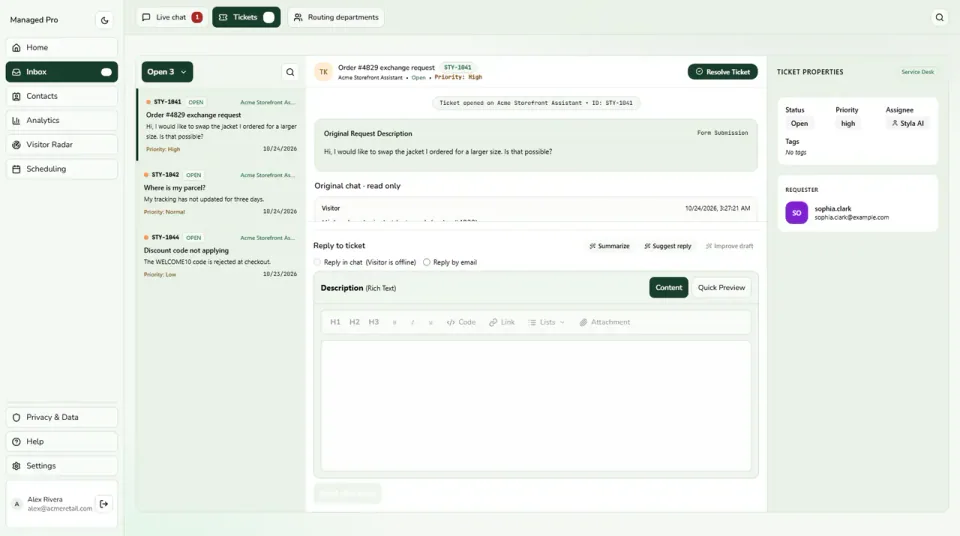
Select a view or enlarge a product image
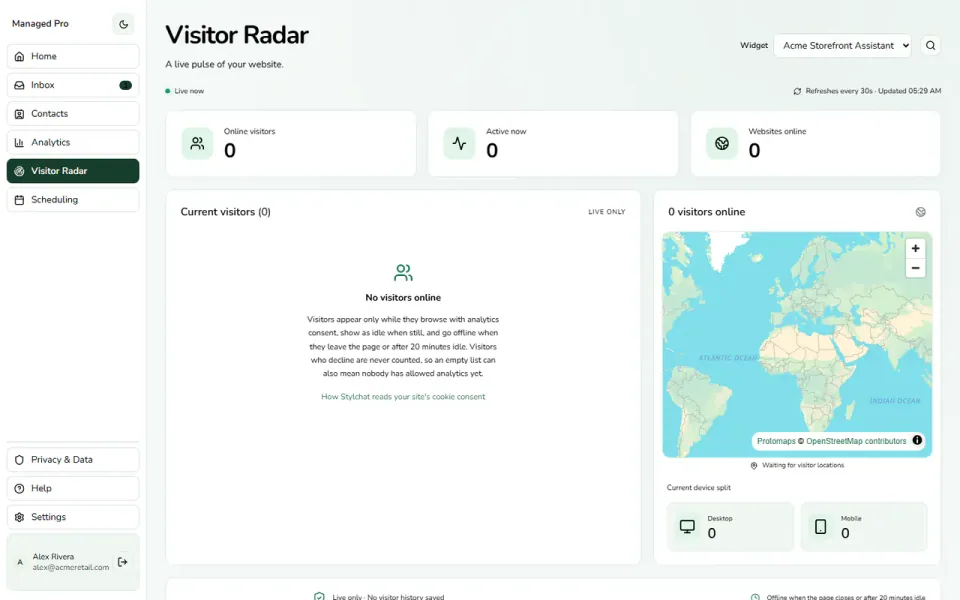
Review conversation volume and busy periods to understand when your team needs to be available.
Use the available response and resolution measures to spot work that deserves a closer look.
Review customer feedback alongside operational reports. A quick reply and a useful reply are different signals.
Start with the shape of demand: how many conversations arrive and when those conversations happen. Use volume and activity trends to understand busy periods and decide where a closer look is needed. Bring evidence into staffing and support discussions instead of relying only on the most recent difficult day.
Volume tells only part of the story. Review the available response and resolution measures to understand how work moves through support. Use those views to spot slow points, investigate the cases behind a trend and decide whether to adjust coverage, process or customer guidance.
A fast response is useful, but customers also need an answer that helps. Review customer feedback alongside operational reporting to understand the experience from more than one angle. Use the result to ask a better question about your service, then inspect the relevant conversation where access permits.
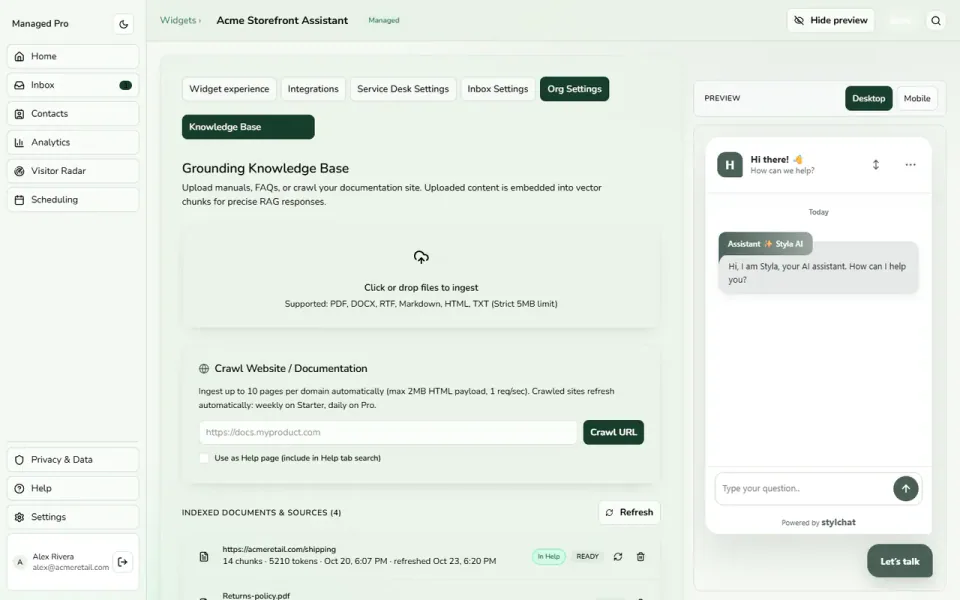
Some support improvements start before the next conversation. Review questions that the assistant could not answer confidently and identify the missing explanation. Improve the source material, test the answer again and use the same review loop as your products, services and policies change.
Practical capabilities for the way your team helps customers.
See how conversation demand changes across your reporting period.
Review speed alongside the actual support context.
Keep the customer’s experience in the discussion.
Configure supported booking events separately from support reporting.
A practical journey through the tools your business can use.
Start with a support problem, such as slow responses during busy periods.
Compare the available conversation and performance views.
Adjust coverage or improve an answer, then review the same measure again.
Explore Analytics in a little more detail, or head to the help centre for setup guidance.
Visit the help centre ↗Create a Stylchat account, choose the appropriate Managed plan and open Analytics in your workspace. Use the setup guide to configure the parts you need, then try the customer journey before sharing it more widely.
Start with conversation demand, response and resolution trends, customer feedback and questions that need better answers. These views help your team choose a focused improvement, such as reviewing coverage during busy periods or adding a clearer explanation to the knowledge base.
Start with a consistent date range and a clear question, such as whether response times are changing during busy periods. Review the available metric definitions and examine the conversations behind the trend before deciding which change to make.
Start with the way your customers need help. Add the tools and capacity that fit your team as you grow.