Offer the right appointment
Define your services, meeting durations, buffer times and meeting formats so customers know what they are booking.
Make booking feel like a natural next step. Offer the right service, show available times and give customers a simple way to manage their appointment with Styla Calendar.
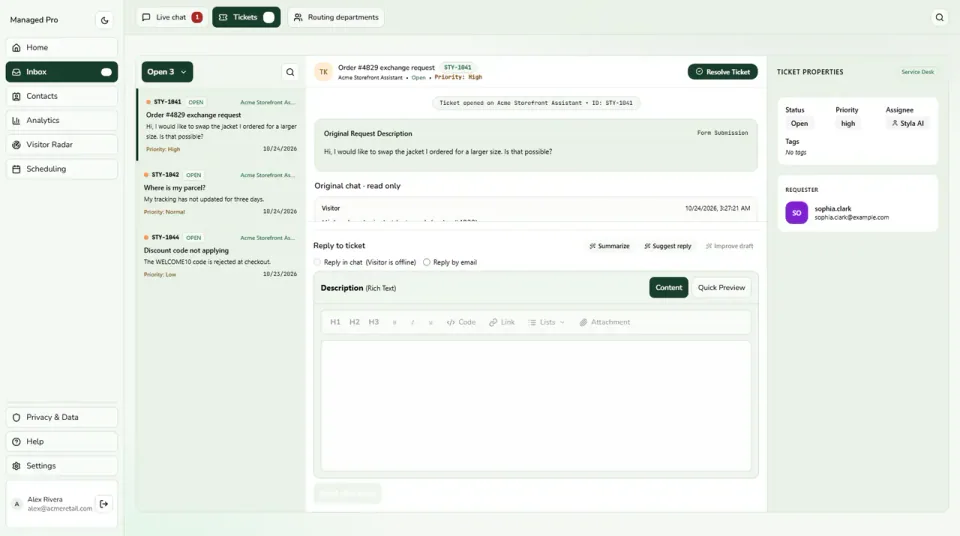
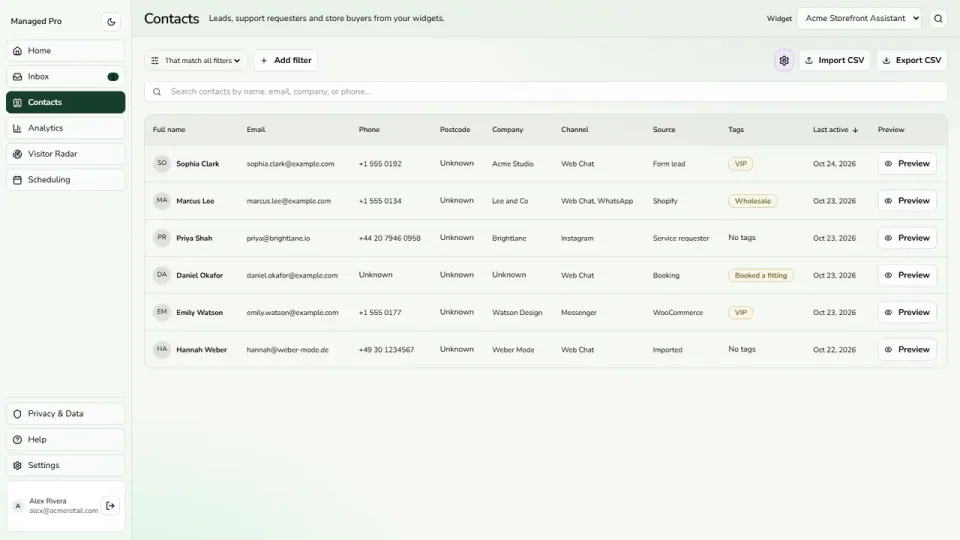
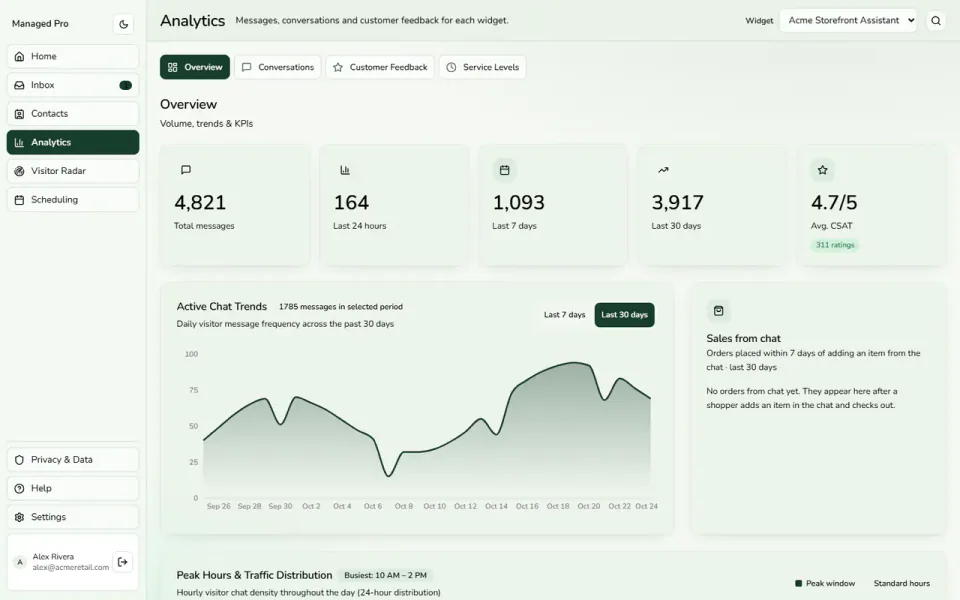
Select a view or enlarge a product image
Define your services, meeting durations, buffer times and meeting formats so customers know what they are booking.
Customers choose an available slot in their local time zone on your hosted booking page.
Review appointments in calendar or agenda views and filter by host, date or booking status.
A quick product call and a longer consultation should not use the same booking rules. Create service offerings with their own durations, buffer intervals and meeting formats. Help customers understand what they are choosing while giving your team room to prepare between appointments.
Give customers a hosted booking page where they can choose a service, pick an available slot and enter their contact details without creating an account. Local time-zone display helps customers understand the time they are choosing, whether they are nearby or working from somewhere else.
Set your working hours and review the day in a calendar or agenda. Filter appointments by host, date or status to find the meeting you need. Bring confirmed, completed, cancelled and no-show appointments into an organized operational view instead of searching across scattered messages.
Connect the supported meeting providers your team uses, including Google Meet and Zoom. Offer customers an appropriate meeting format and include a management link in confirmation emails for later rescheduling or cancellation. Give both sides a clear way to prepare for the appointment and manage changes.
Practical capabilities for the way your team helps customers.
Find the next appointment without scanning a full week.
Keep completed, cancelled and no-show appointments distinct.
Let customers reschedule or cancel using their management link.
Explore separately configured GA4 and Meta booking events.
A practical journey through the tools your business can use.
A customer selects the kind of appointment they need.
Available slots give the booking a clear next step.
The customer receives confirmation and a link for later changes.
Explore Styla Calendar in a little more detail, or head to the help centre for setup guidance.
Visit the help centre ↗Create a Stylchat account, choose the appropriate Managed plan and open Styla Calendar in your workspace. Use the setup guide to configure the parts you need, then try the customer journey before sharing it more widely.
The service configuration supports Google Meet, Zoom, phone and in-person formats. Connect the supported provider you need and configure your host and service so customers know how the meeting will happen.
The hosted booking page lets customers choose a service, pick an available slot and enter their contact details without creating a Stylchat account. Booking confirmation gives them the details for the appointment and a link to manage changes.
Start with the way your customers need help. Add the tools and capacity that fit your team as you grow.