Pick up with context
Step into a conversation with the messages already in view. Help the customer move forward without asking them to start again.
Give your team a support desk that carries the conversation forward. Bring live handoff, tickets, private teamwork and AI reply assistance into the work of helping each customer.
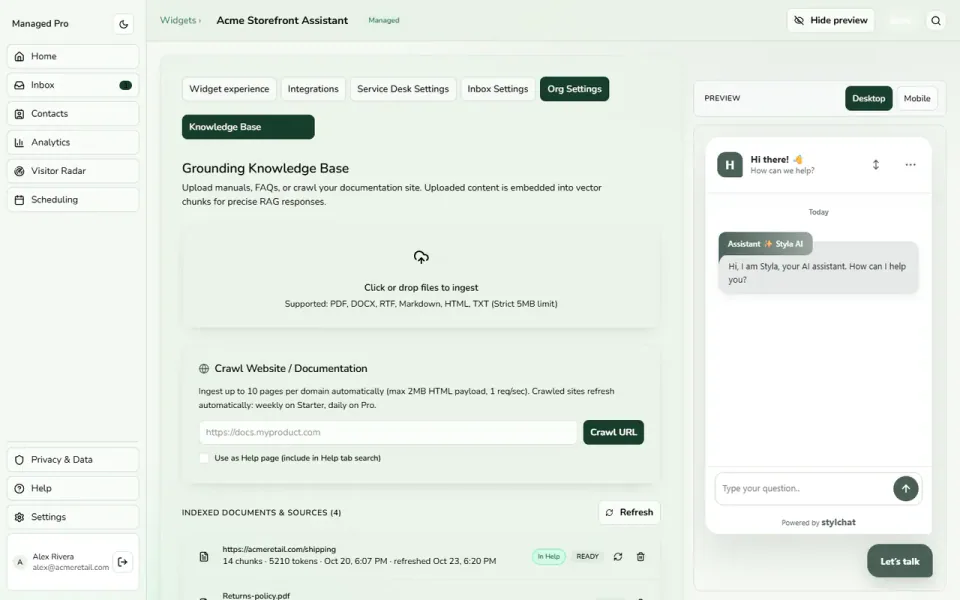
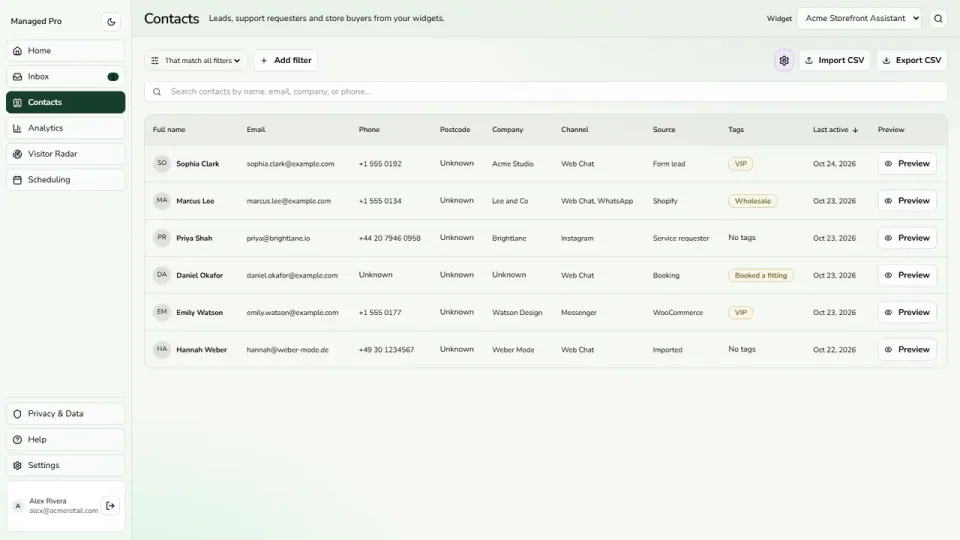
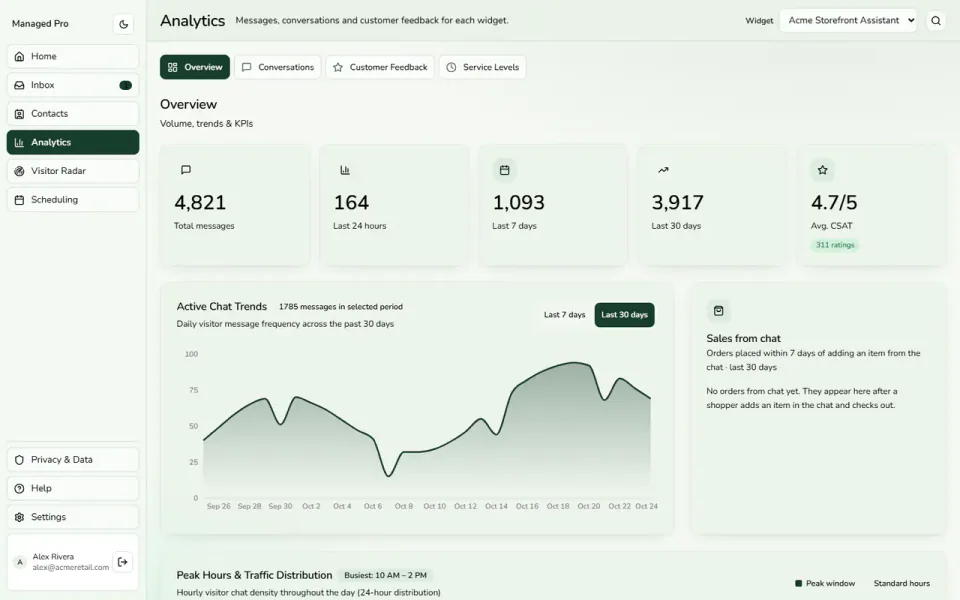
Select a view or enlarge a product image
Step into a conversation with the messages already in view. Help the customer move forward without asking them to start again.
Use a ticket queue, priorities and assignment to organize requests that need more than a quick reply.
Add internal notes, mention teammates and use follow-up reminders to keep the next action visible.
Some questions need judgment, reassurance or a closer look. Let your team join the conversation and read what has already been said, so the handoff becomes a continuation rather than another round of introductions. Keep the customer talking to the people who can help.
An exchange request, a delivery question or a technical issue can take more than one reply. Organize that work in a ticket queue with clear status, priority and assignment. Give your team a practical way to see what needs attention and which request they are working on next.
Useful customer replies often start with a private conversation. Add internal notes, mention a teammate and leave a follow-up reminder. Use AI assistance to summarize the exchange, suggest a response or improve your draft, then review the message before it reaches the customer.
When your team works to service targets, agents need to see them while they work. Configure response and resolution deadlines around ticket priorities, with countdowns and warnings that bring approaching targets into view. Use those signals to guide the team’s attention throughout the day.
Practical capabilities for the way your team helps customers.
Direct work toward the appropriate team or department.
Bring a conversation back when it needs another look.
Give teammates access appropriate to their responsibilities.
Collect feedback alongside the support conversation.
A practical journey through the tools your business can use.
A chat moves from an initial answer to a teammate.
Keep the ticket, reply draft and private notes together.
Track ownership and use response targets where your plan supports them.
Explore Support Desk in a little more detail, or head to the help centre for setup guidance.
Visit the help centre ↗Create a Stylchat account, choose the appropriate Managed plan and open Support Desk in your workspace. Use the setup guide to configure the parts you need, then try the customer journey before sharing it more widely.
Use the live inbox for immediate conversations and tickets for requests that need ongoing work. Public replies, private notes and follow-up tools help the team keep the request moving without scattering the context across separate messages.
SLA policies provide response and resolution targets with visible timers and warnings on eligible plans. Configure the targets around the service your team offers, then use the signals alongside staffing and working-hour decisions.
Start with the way your customers need help. Add the tools and capacity that fit your team as you grow.