On this page
Chat Bubble Launcher
Launcher • Section 1.11
Tailor the floating launcher button, upload a custom icon, set offsets, and trigger unread notification badges.
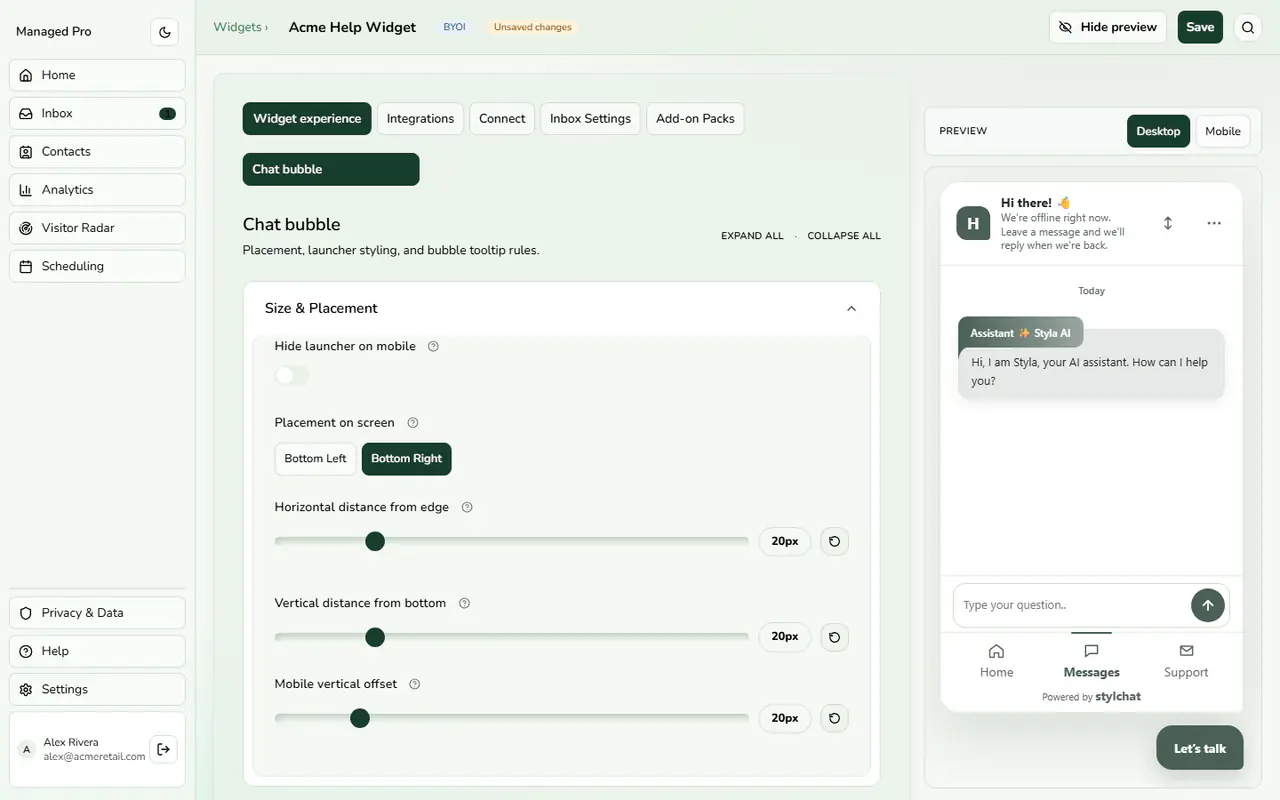
Bubble size and placement.
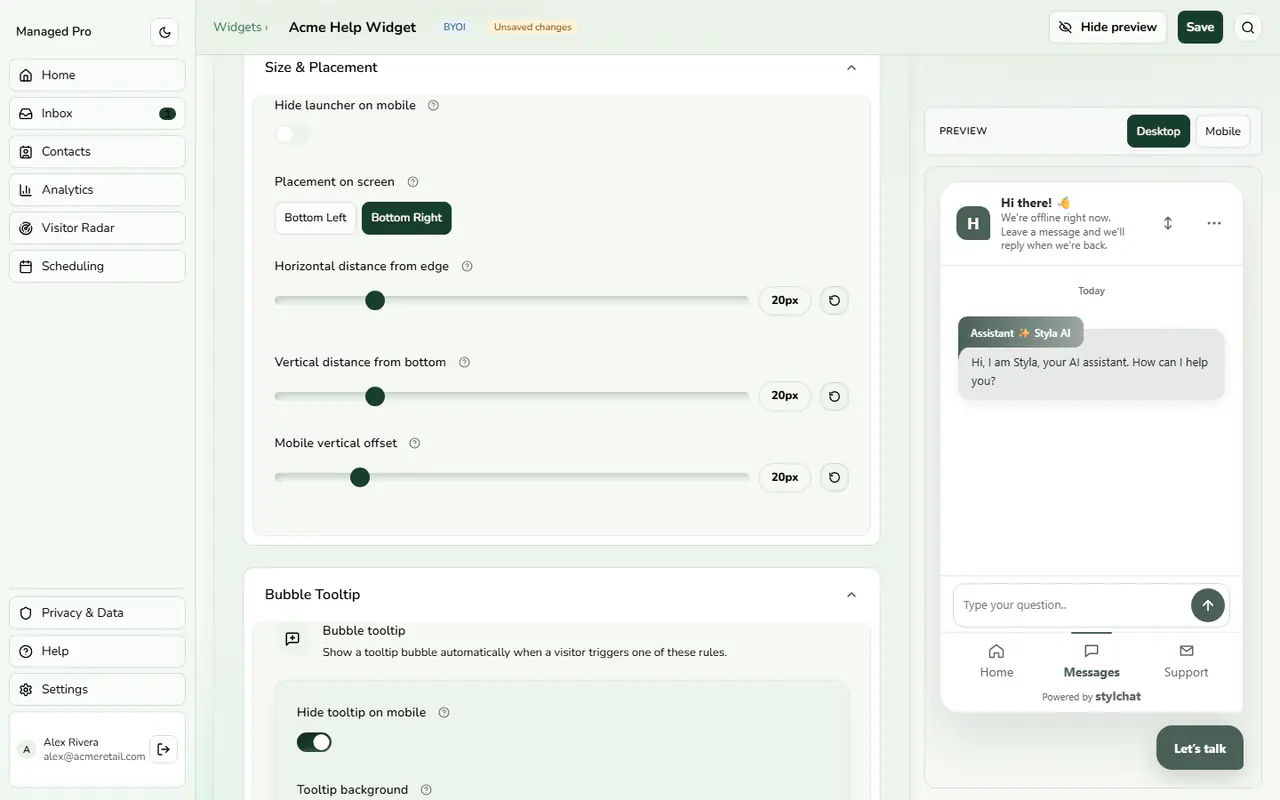
Bubble tooltip and proactive rules.
Floating Launcher Appearance
The floating launcher is the first touchpoint for your website visitors:
Configuration & Options
- Custom Bubble Icon: Upload your own SVG, WebP, or PNG icon (max 50 KB) to replace the default Stylchat chat glyph.
- Launcher Size: Choose between Compact (48px), Standard (56px), or Large (64px) dimensions.
- Placement & Offsets: Pin to the Bottom Right or Bottom Left corner, with pixel-perfect desktop and mobile margins.
- Unread Badge Counter: Display a numeric unread indicator or animated attention pulse to invite visitor interaction.