On this page
Proactive Messages
Platform
Show a bubble tooltip at the right moment.
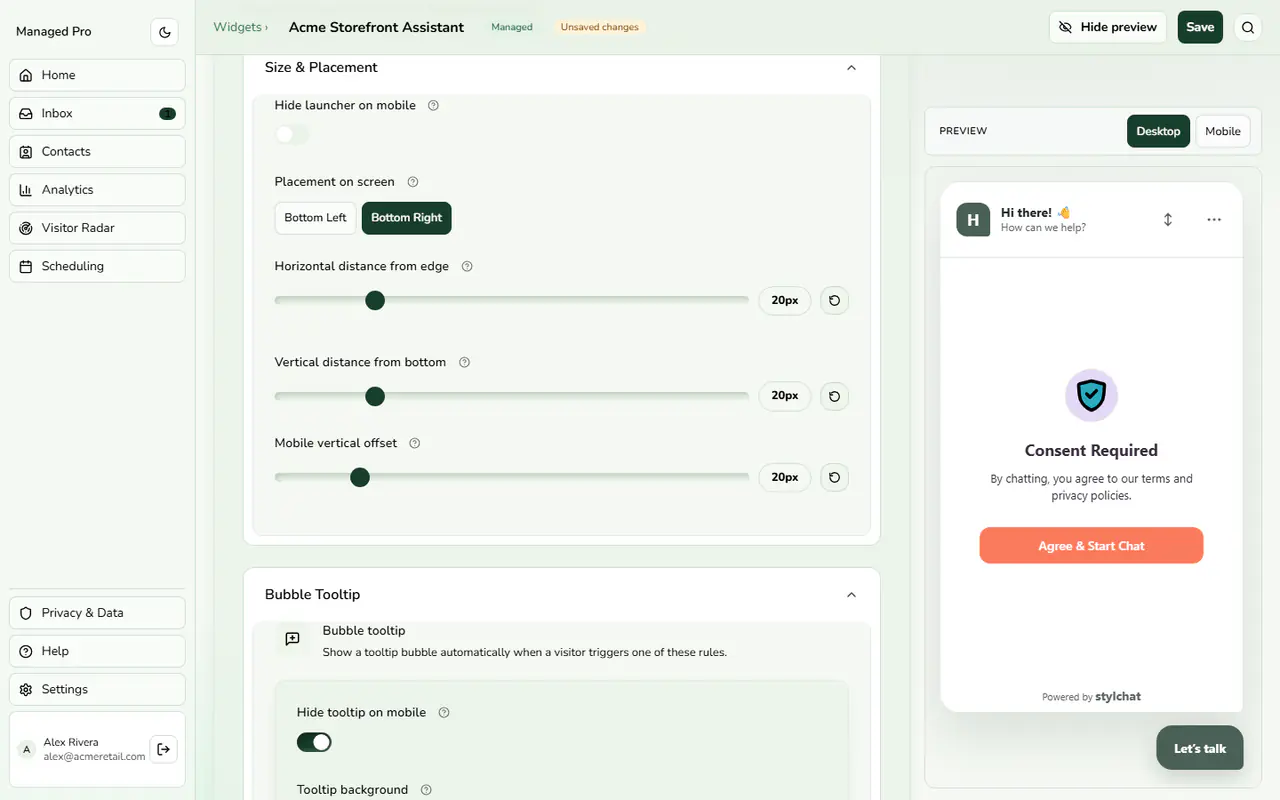
Bubble tooltip rules.
Proactive Tooltip Automation
In Chat bubble › Bubble Tooltip, add rules that show a short message next to the launcher. Each rule has a trigger and message text:
Configuration & Options
- About to leave (exit intent)
- Time on a product page (store), with a seconds setting
- Viewed the same product again (store)
Usage & Guidelines
Use Show only on pages and Never show on pages to limit where rules run. Enter one path per line; * is a wildcard, for example /blog/*. The never-show list wins. Turn on Let the AI offer your chat discount so a click on the message lets the AI offer your discount code. Tooltip background, text color, font size and a hide-on-mobile option are also available.