On this page
Widget Experience Overview
Widget Experience • Section 1.1
One unified design system. Your brand color, custom logo, business identity, and assistant persona define the widget experience.
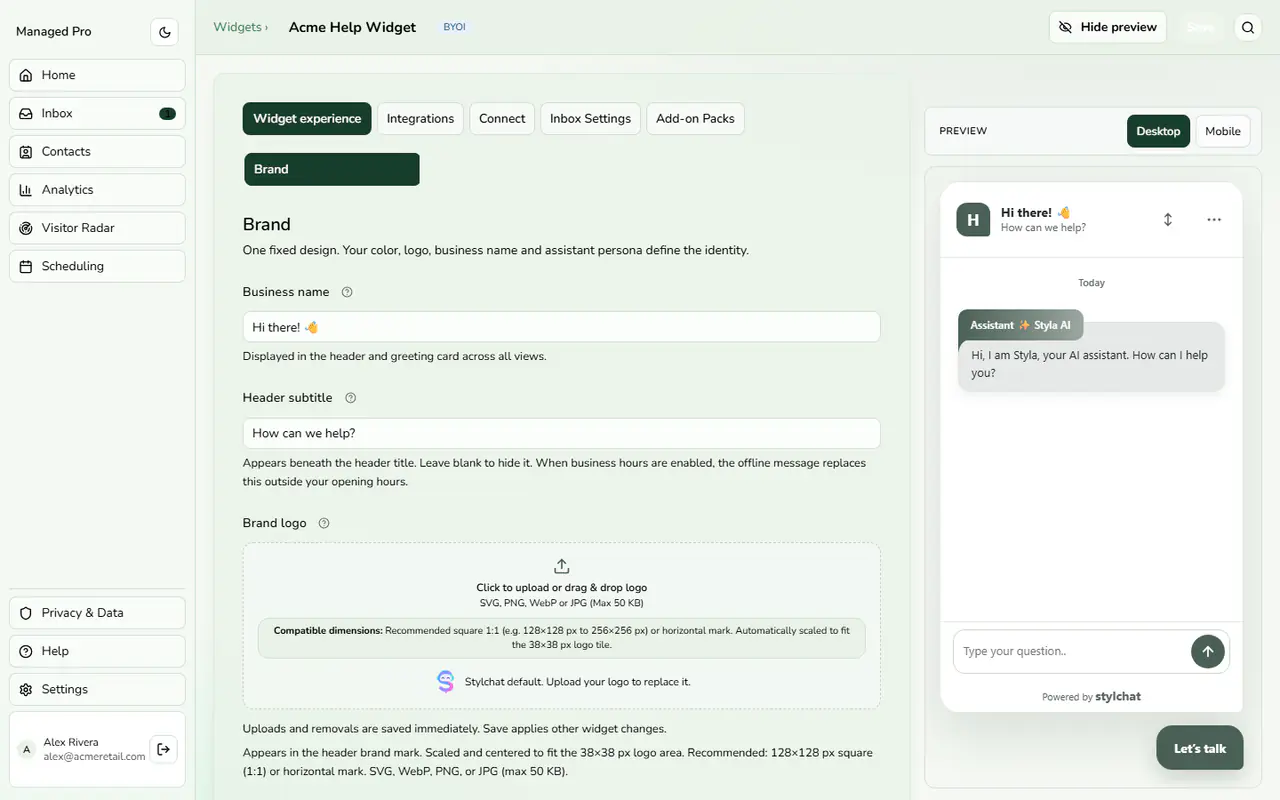
Widget Experience studio with live preview.
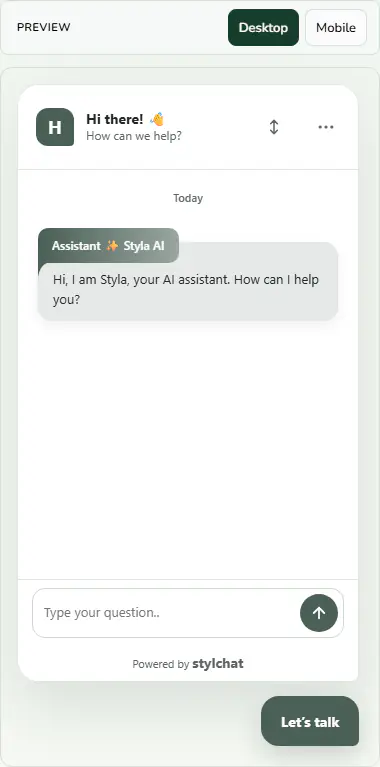
The live preview of the open chat window.
Stylchat Design System Architecture
Stylchat v2 unifies widget appearance into a fixed, highly-refined Stylchat Design System (Plan 84). Instead of fragile ad-hoc themes, your entire visitor experience is driven by 8 intuitive, specialized configurator sections:
Configuration & Options
- Brand: Business name, header subtitle, brand color swatches, contrast tokens preview, logo upload, and assistant name.
- Home Tabs: Self-service home screen, primary action, Omni Hub social messenger links, and 1-tap topic pills.
- Messaging: Starter greeting prompts, error states, and multimedia composer controls.
- Help & Support: Structured customer support forms with custom inputs and knowledge base lookups.
- Business Hours: Timezone-aware operating schedule with automated offline away responses.
- Chat Bubble: Floating launcher appearance, custom icon uploader, button dimensions, offsets, and unread badges.
- Styla Calendar: In-widget appointment booking with direct Google Meet & Zoom host scheduling.
- Locale & Consent: Language direction (including native RTL), pre-chat identification, and GDPR privacy agreements.