On this page
Email Delivery (SMTP)
Connection
Send support form messages and chat transcripts through your own mail server.
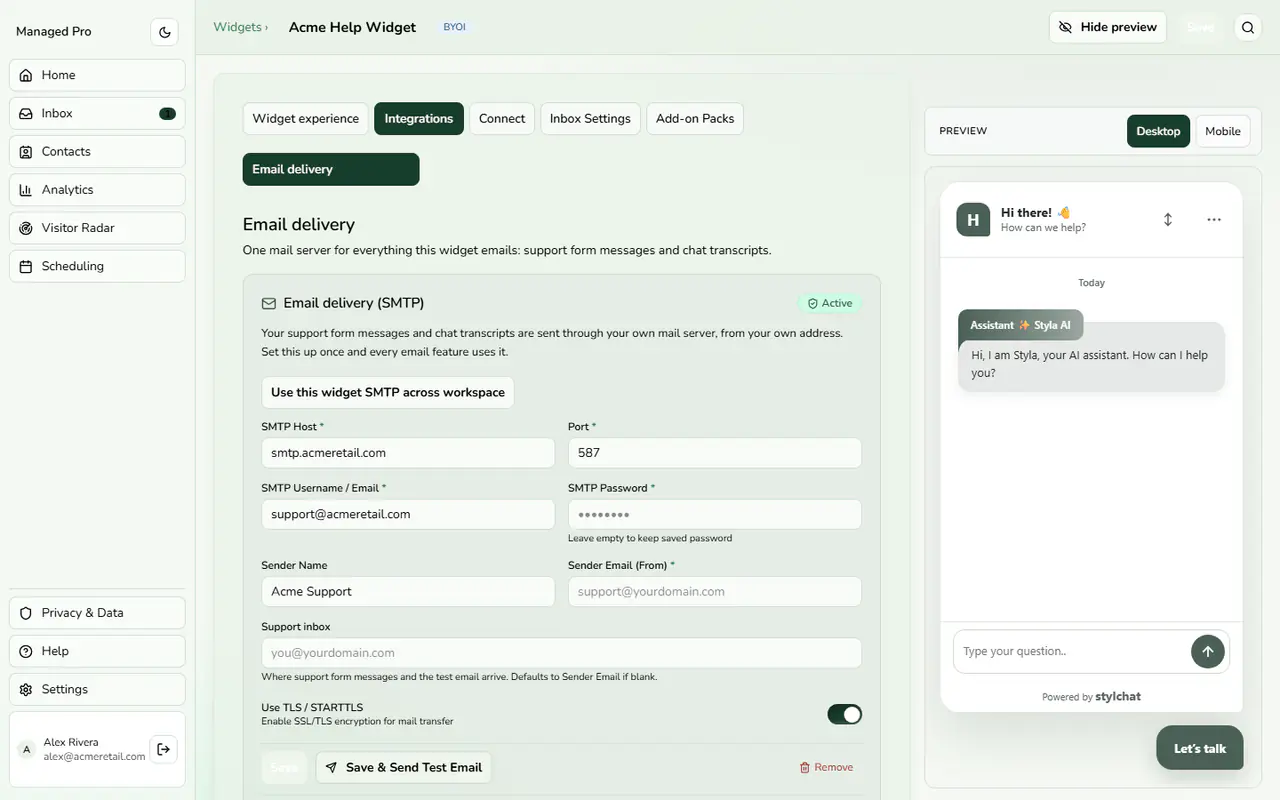
SMTP email delivery settings.
Outbound SMTP Credentials
Configure custom outbound SMTP credentials to deliver form messages, notification alerts, and ticket receipts reliably.
Custom SMTP Relay Configuration
Go to Integrations › Email delivery and enter your SMTP host, port, username and password, plus a sender name and sender email. Optionally set a support inbox where form messages arrive. TLS/STARTTLS is on by default. Choose Save & Send Test Email to verify. Leave the password empty to keep the saved one.